If you’ve just started working out, you probably don’t need a gadget that predicts your race time. You need something that answers a plain question: am I moving more than I used to? The best fitness trackers for monitoring daily activity answer that question clearly, stay on your wrist or in your pocket without fuss, and give numbers you can trust enough to act on.
This guide judges trackers on two things only. The first is whether the everyday numbers (steps, active minutes, heart rate, sleep) are believable. The second is how little effort the tracker takes to wear, charge and read when your day is already full. Advanced training metrics and long feature lists are left out on purpose.
Models and prices change often, so the picks below describe the type of tracker that fits each need and what to check before you buy. Once you know what to look for, you can judge any current model yourself.
What a Beginner Actually Needs a Tracker to Tell You
Most beginners need four numbers, and some only need two.
- Steps: a rough measure of how much you move through the day, outside of workouts.
- Active minutes: the minutes spent moving at a pace that raises your heart rate. This is the number closest to standard exercise guidance, which for adults is at least 150 minutes of moderate activity per week.
- Heart rate: useful mainly as a trend. A resting heart rate that drifts down over weeks of regular exercise is a nice sign of progress.
- Sleep: total time asleep tells you whether you’re giving your body room to recover.
Everything else is optional for now. Stress scores, readiness ratings, running power and recovery percentages are built for people with months or years of training behind them. They can also add worry without adding clarity when you’re still figuring out how to fit a 20-minute walk into a Tuesday.
A good test for any feature is whether it would change what you do tomorrow. “You took 4,200 steps today and your usual is 6,000” can change your evening. A composite score with no explanation behind it rarely does.
How to Judge Accuracy Without a Lab (and How to Test Your Own)
No consumer tracker is perfectly accurate, and you don’t need one to be. What matters is that it’s accurate enough and consistent. If it undercounts your steps by a little every day, your trend is still real. If it counts 3,000 steps while you sit through a long drive, you can’t trust it.
You can check any tracker against your own routine in about ten minutes, and the checks work on a tracker you already own or one you’ve just bought within its return window.
The step check
Walk 100 steps at your normal pace while counting out loud, then compare the tracker’s change in steps. Repeat it two or three times. A small gap is normal. A large and inconsistent gap suggests the tracker is a poor fit for how you wear it.
Then watch for false steps. Drive for a few minutes, or sit and type, and see whether the count climbs. Some wrist trackers count arm movement as steps. Others miss steps when your arm is still, such as when you push a shopping cart or a stroller.
The heart rate check
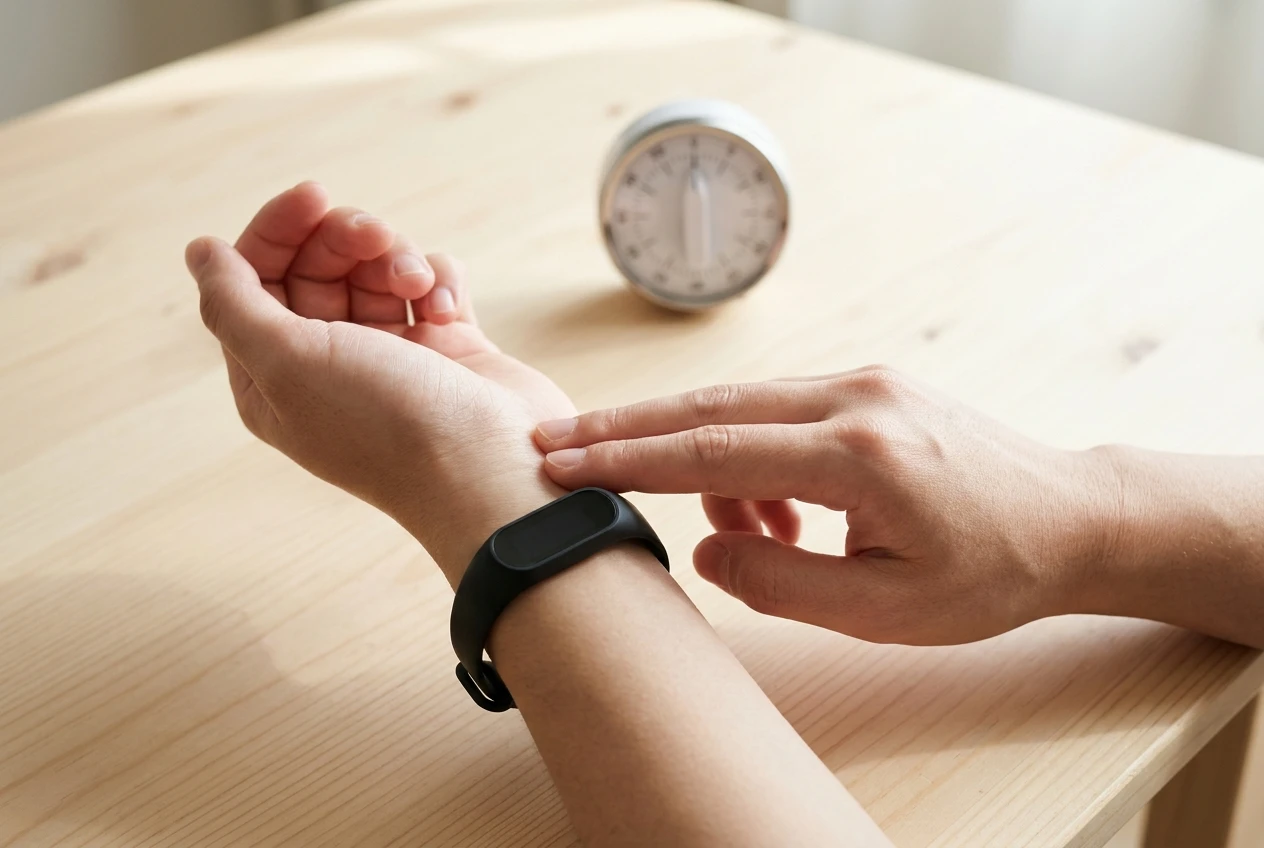
Sit still for five minutes. Find your pulse at your wrist or neck, count the beats for 30 seconds and double the number. Compare it with the tracker’s reading at the same moment. At rest, a decent tracker should land close to your manual count.
Heart rate during exercise is harder for wrist sensors, especially during fast changes in effort or when the band is loose. Snug the band a notch tighter than feels natural and wear it a finger-width above the wrist bone. If you do intervals, expect the tracker to lag behind what your body is doing. For steady walking and easy jogging it’s usually good enough for a beginner.
The sleep check
Trackers estimate sleep from movement and heart rate. They tend to be reasonable on roughly when you fell asleep and woke up, and weaker on the breakdown into sleep stages. Judge yours by comparing its total sleep time with how you remember the night. If it says you slept seven hours and you remember lying awake for two of them, trust your memory and treat the stage data as a rough guide.
The consistency check
Wear the tracker for a week of ordinary days. Your numbers should rise on busy walking days and fall on desk days. If a lazy Sunday shows the same steps as a day of errands, something is off.
Best for Simple Step and Activity Counting
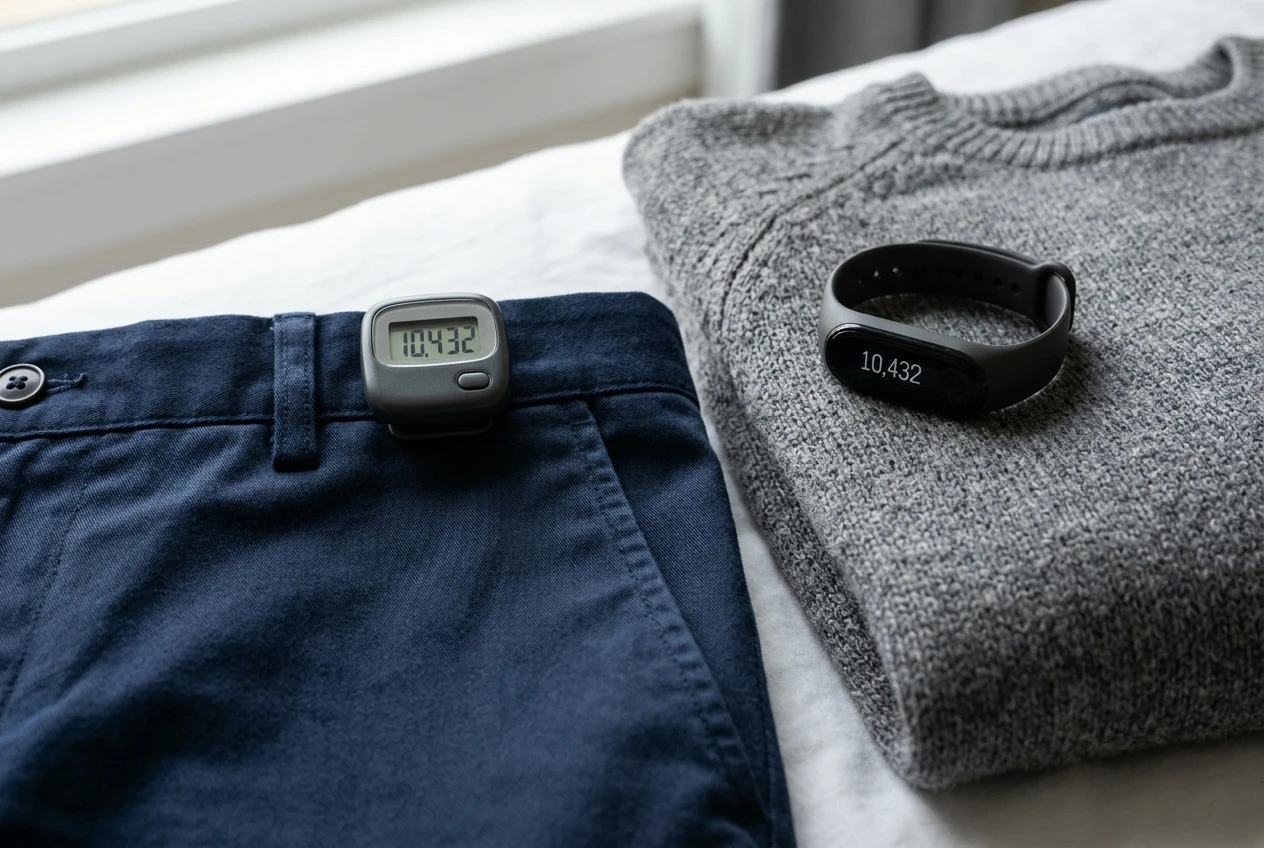
What to look for: a basic wrist band, or a clip-on step counter, that shows steps and active minutes at a glance.
If your only goal is to know whether you’re moving enough, a simple activity tracker is the right tool. It counts steps, tracks active minutes and shows both on a small screen or in a clean app. You don’t need maps, music controls or notifications to see that you walked more this week than last.
Here is what makes this type the easiest to live with:
- A screen you can read at a glance. If you have to open an app every time you want your step count, you’ll stop checking. A band that shows steps on the face keeps the number in front of you.
- An app that opens to today’s numbers. The first screen should show steps and active minutes with no menus to dig through.
- A comfortable, light build. If it’s irritating, you’ll leave it on the nightstand, and a tracker you don’t wear measures nothing.
- Clip-on options for people who dislike wrist devices. A small clip-on counter on a waistband or pocket works well for step counting, and some people find it more accurate for steps than a wrist band because it isn’t affected by arm swing. The tradeoff is that it won’t give you wrist-based heart rate.
Run the step check above when it arrives. If it passes, you’re done evaluating. This category suits you if you want the lowest-effort way to know whether you hit a reasonable number each day.
Best for People Who Hate Charging Things
What to look for: a tracker with long battery life, so that charging is an occasional task rather than a daily one.
A tracker with a dead battery records nothing, and a device that needs charging every night is one more chore competing with everything else on your list. If you already forget to charge your phone, battery life should rank near the top of your decision.
Check the manufacturer’s stated battery life on the product page, and keep in mind that real-world use with the screen always on or continuous heart rate tracking usually brings it below the headline figure. Look for these things:
- Days between charges, not hours. The longer the gap, the less likely you are to end up with gaps in your data.
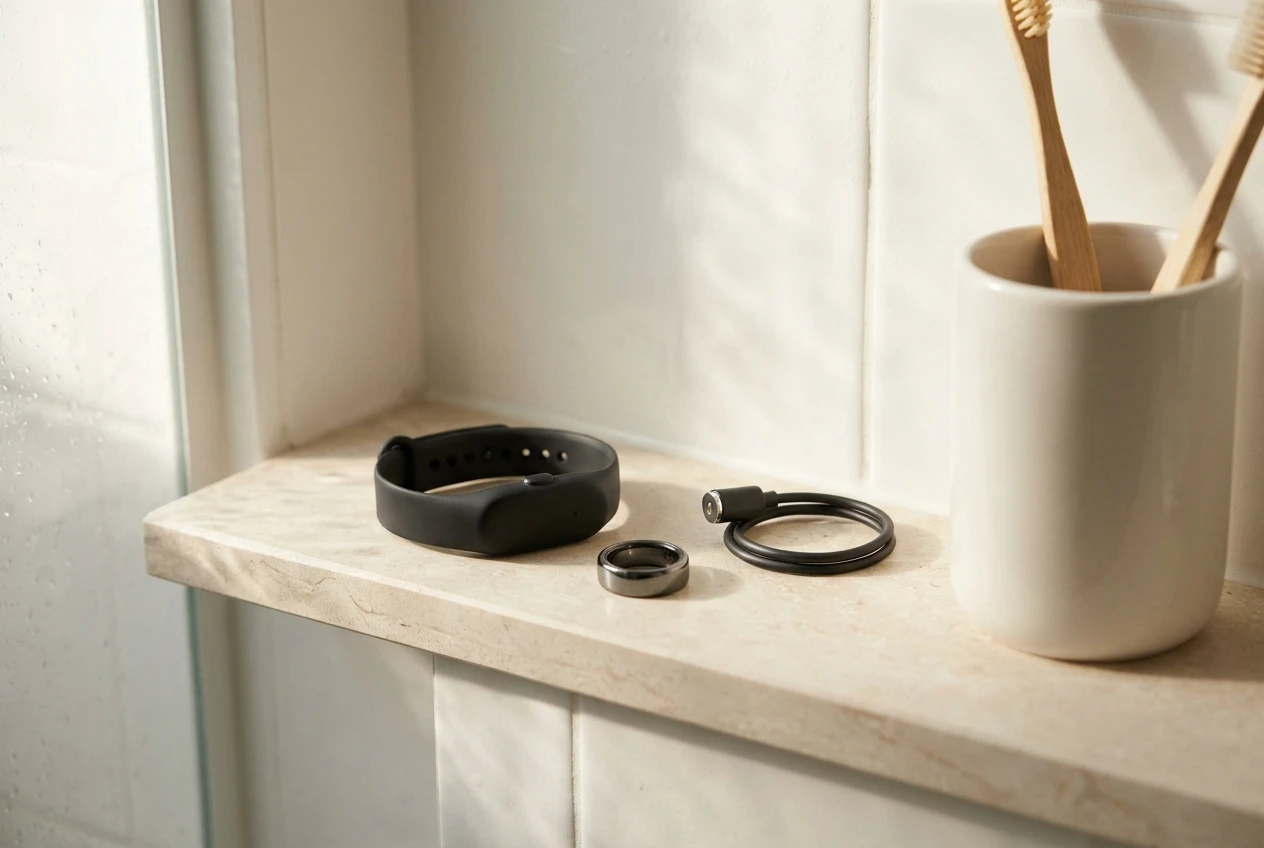
- A charging method you can fit into a routine. Charging while you shower or while you’re at your desk turns it into a habit with no extra time cost. Pick a fixed moment and stick with it.
- Simpler devices tend to last longer. Bright always-on color screens and constant extras use more power. A plain display or a screenless band usually runs longer.
- A screenless band or a ring-style tracker can be a good fit if you want to wear something without thinking about it. Since you read the numbers in an app, make sure the app is easy to open and understand, or you’ll lose the benefit.
The point of this category is consistency. A tracker you wear every day for a month tells you far more than a more capable one that spends half that month on a charger.
Best for Heart Rate and Sleep Without the Information Overload
What to look for: a wrist tracker with an optical heart rate sensor and a plain daily summary of resting heart rate and total sleep.
Heart rate and sleep are the two measures that go beyond movement and tell you how your body is responding, but they come with the most clutter. Many apps hide a simple number behind a dozen scores. You want a tracker that puts the basics up front.
For heart rate, focus on two readings:
- Resting heart rate: check the weekly trend, not the daily reading. Small day-to-day swings are normal and can reflect poor sleep, caffeine, illness or stress. A gentle downward drift over several weeks of regular activity is the useful signal.
- Heart rate during activity: use it to see roughly whether a walk or workout is easy, moderate or hard. A simple check you can run alongside it is the talk test. If you can talk but not sing, you’re likely at a moderate effort.
For sleep, look at total time asleep and how consistent your bedtime and wake time are. Those two things are easy to act on. If the app offers sleep stages and a sleep score, treat them as extras. Estimating stages from a wrist is the least reliable thing a tracker does.
If your heart rate readings ever look unusual, or a number worries you, the tracker is not a medical device. Mention it to a doctor rather than trying to interpret it yourself.
One more useful tie-in: if your resting heart rate climbs and you feel tired for several days, that could be a sign you need rest. Our guide to the signs of overtraining covers what to look for before it becomes an injury.
Best Budget Pick for Your First Tracker
What to look for: an entry-level band that covers steps, active minutes, heart rate and sleep, with a solid return policy.
Your first tracker doesn’t need to cost much, because you’re still learning whether you’ll use one. Spend your money on the basics and skip the extras.
A budget tracker is a good choice when it does these things well:
- Counts steps and shows active minutes.
- Includes an optical heart rate sensor for resting and activity readings.
- Records sleep time.
- Has a readable app that doesn’t require a subscription to see your basic numbers. Check this before you buy, because some brands put more detail behind a paid plan.
- Comes with a return window long enough to run the accuracy checks above.
What to skip at this stage: built-in GPS, music storage, payment features and advanced training analysis. They raise the price and the learning curve without helping you answer whether you’re moving enough. If you later start running regularly and want route tracking, you can upgrade then, with a much clearer idea of what you need.
Before you commit, read the product’s return terms, and run the step, heart rate and consistency checks in the first week. If the numbers look sensible and you like wearing it, keep it. If not, send it back.
How to Set a Realistic Daily Goal and Celebrate the Small Wins
Once the tracker is on, the temptation is to pick a big number and chase it. A better method is to learn your baseline first.
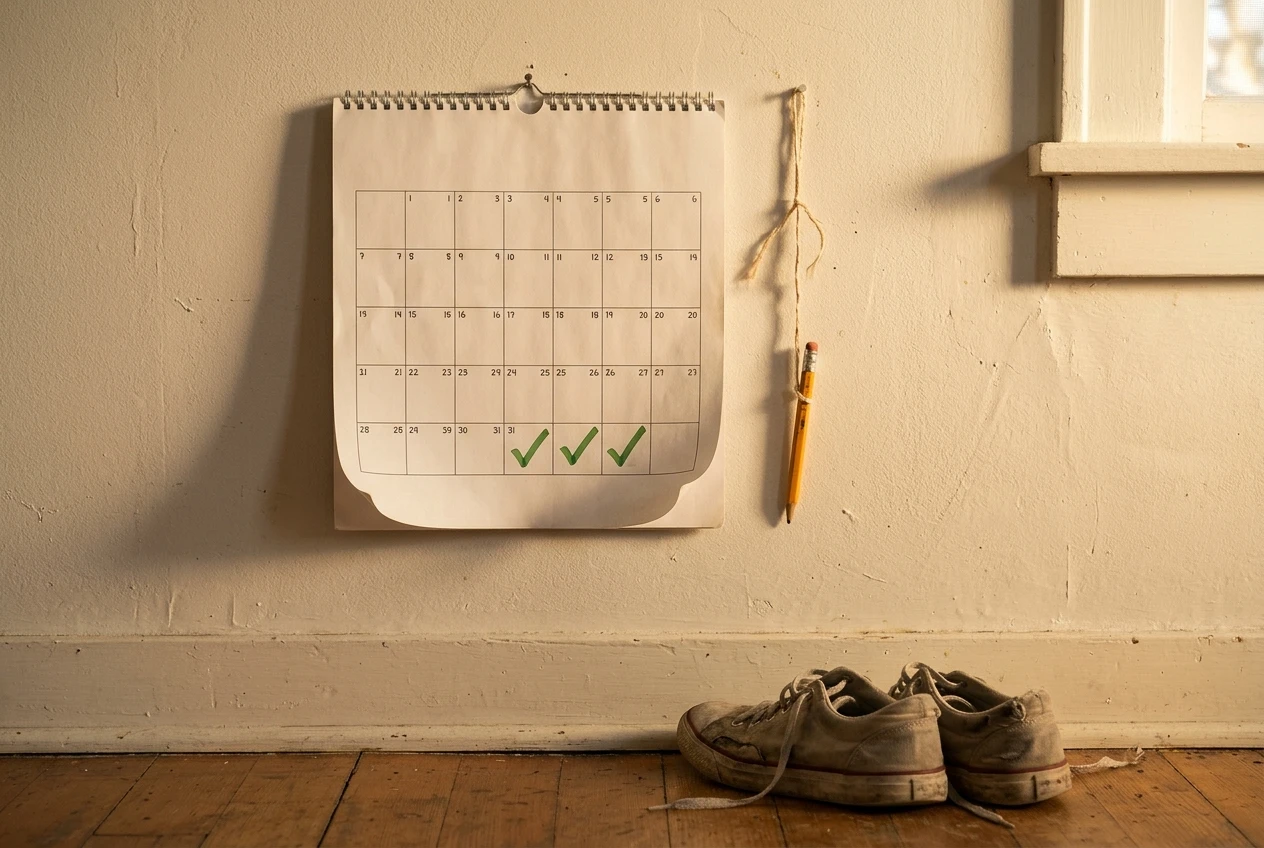
- Wear it for a week without changing anything. Write down your average daily steps and active minutes. That’s your starting point.
- Set a goal just above it. If you average 3,500 steps, aim for 4,000 for a week. A small increase you actually hit builds more momentum than a large one you miss.
- Raise it gradually. Once a goal feels easy for a couple of weeks, nudge it up again.
- Watch the weekly total of active minutes. The standard adult guideline of 150 minutes of moderate activity per week is a useful long-term target, and it’s easier to approach in short pieces. Ten minutes after lunch, ten in the evening and a longer walk on the weekend add up.
Pick one number to follow, rather than all of them at once. Steps work well if you want to move more through the day. Active minutes work well if you’re adding structured workouts.
Celebrate what the data shows. Hitting your goal three days in a row counts. So does a walk on a day you were tired, and so does a week that beats the last one. If you want more ideas for staying on track when progress feels slow, our piece on staying motivated for daily workouts when progress is slow goes into it.
Missed days are data too. If your numbers drop during a heavy work week, that tells you what the week allowed. You can plan around it next time with a short walk or a few minutes of stretching, and then pick the habit back up the next day.
Tracker or Phone: When You Don’t Need to Buy Anything Yet
Most smartphones count steps with built-in motion sensors, and the health app on your phone shows a daily total and trend. If you carry your phone in a pocket or bag most of the day, you already have a basic activity tracker.
A phone is enough for now if:
- You mainly want to know your daily steps and whether the number is rising.
- You’re not sure you’ll stick with working out and don’t want to spend money before you know.
- You don’t care about heart rate or sleep yet.
A phone falls short in a few ways. It only counts when it’s with you, so steps are missed when you leave it on a desk or charger. It can’t measure heart rate or sleep on its own. And it’s easy to forget to open the app. A wearable solves those gaps with passive tracking and a number you can see without effort.
A sensible middle path is to use your phone for two weeks, run the step check against it, and see what numbers you actually look at. If you find yourself wishing you had heart rate or sleep data, or you keep leaving the phone behind, that’s the moment to buy a tracker, and you’ll know exactly which of the picks above fits.
Whichever way you go, the tracker isn’t the workout. It only shows you what’s already happening, so you can make small changes that fit your schedule.
Pick one daily number to watch this week, either steps or active minutes, and write down your average by Sunday. Then use it to plan your next move by reading how to build a weekly workout schedule that balances strength, cardio, and rest.